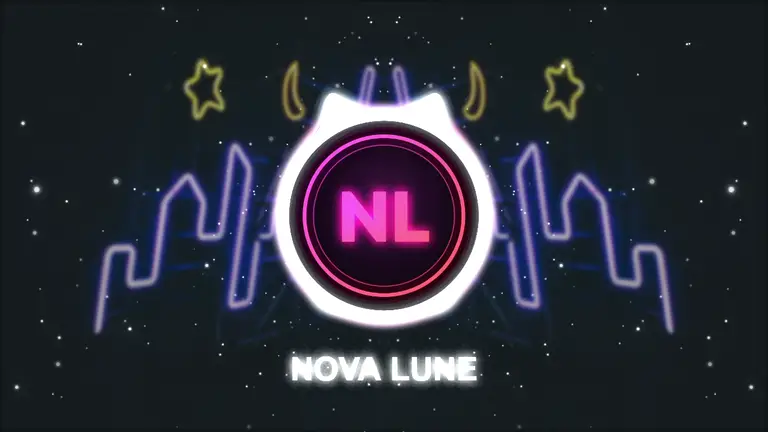
Neon Nation
Eight-layer bass circle over a neon tunnel and star stream.
Add a track, pick a look, and every visual locks to your beat. Export an MP4 for YouTube, Reels, TikTok or Spotify Canvas — nothing to install.
Free to start No install No watermark, no sign-up to export
Shimga is a browser-based music visualizer studio. You add a song, choose a preset or template, adjust the layers while the preview reacts to the beat, and export a beat-synced MP4 for YouTube, Reels, TikTok or Spotify Canvas. Nothing is installed, and the audio is analysed in your browser.
Last updated
Every clip here was rendered by Shimga from a template, in 16:9, 9:16 or 1:1. Hover or scroll to play, then open any look with one click.
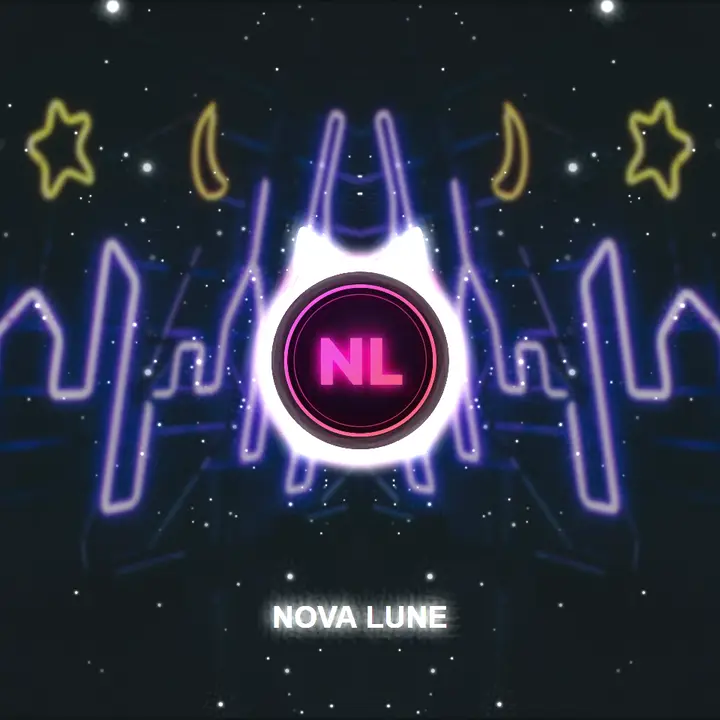
Eight-layer bass circle over a neon tunnel and star stream.
Hexagon echo morph that fans out on every hit.
Ten echo layers twisting into a spiral on the kick.
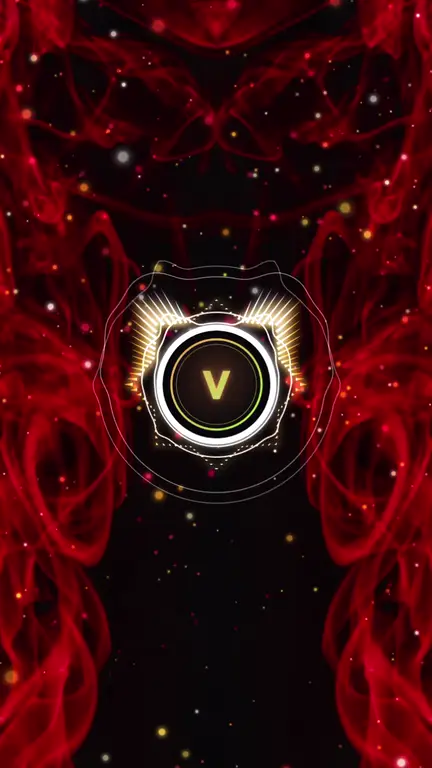
A golden star of spikes, embers rising through red smoke.
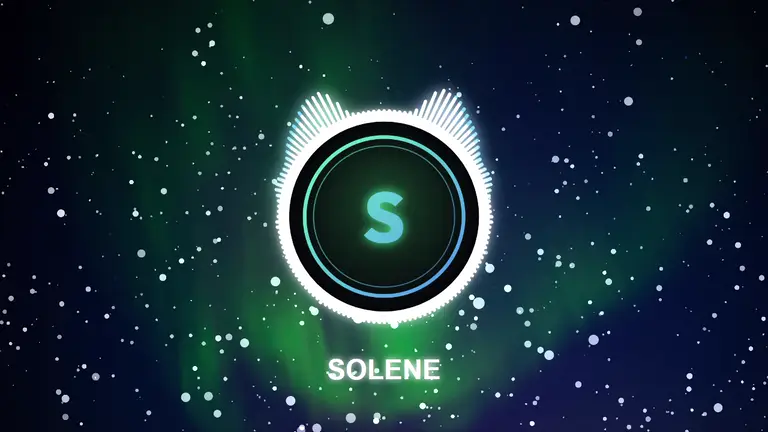
A ring of white bars under the northern lights.
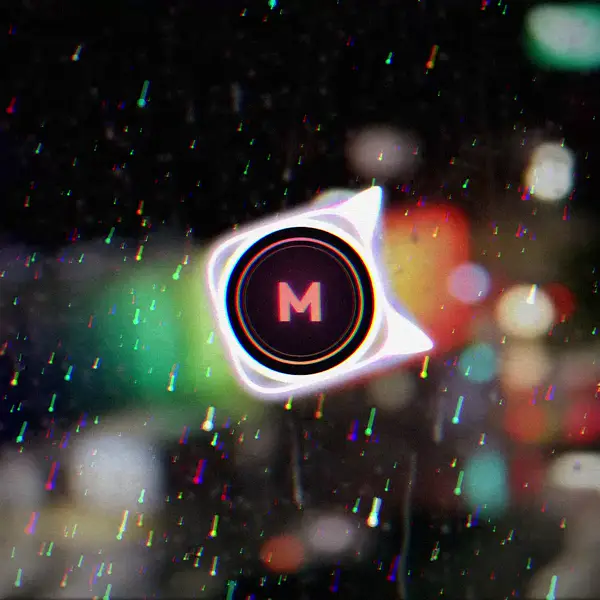
Soft spectrum, neon rain and VHS grain on a rainy window.
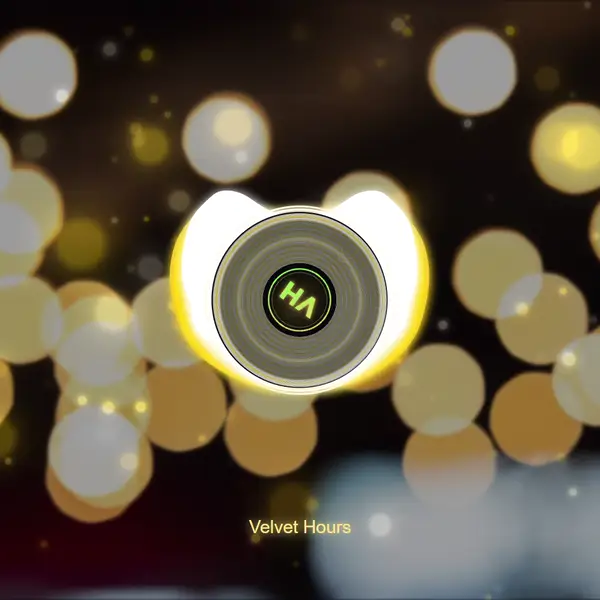
Your logo as a spinning record label over warm bokeh.
Left and right channels on each half of the ring, violet smoke.
A heart-shaped spectrum that pulses with your logo.
Builds up quietly, then morphs and fires confetti on the drop.
A glowing waveform ring over dark water.
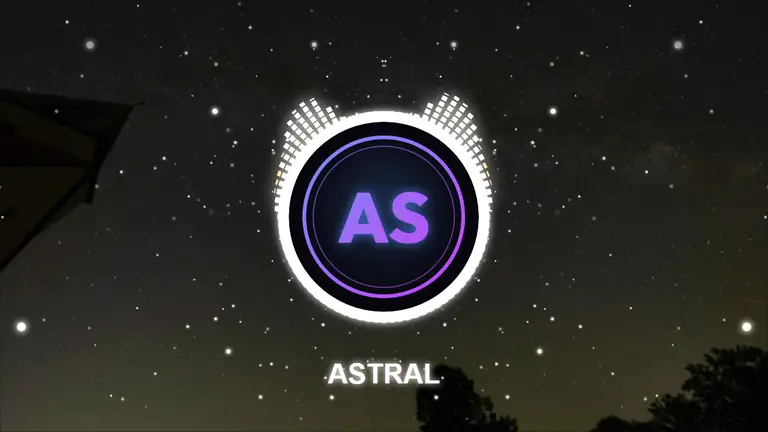
An LED-block ring under the Milky Way.
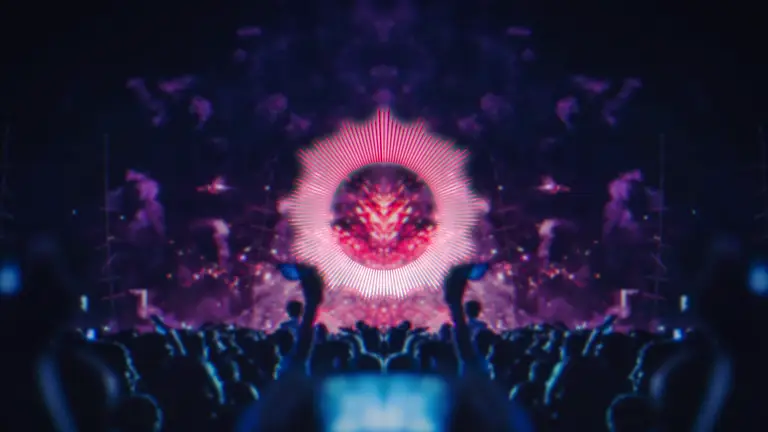
Circular spectrum with echo trails; the camera punches on the kick.
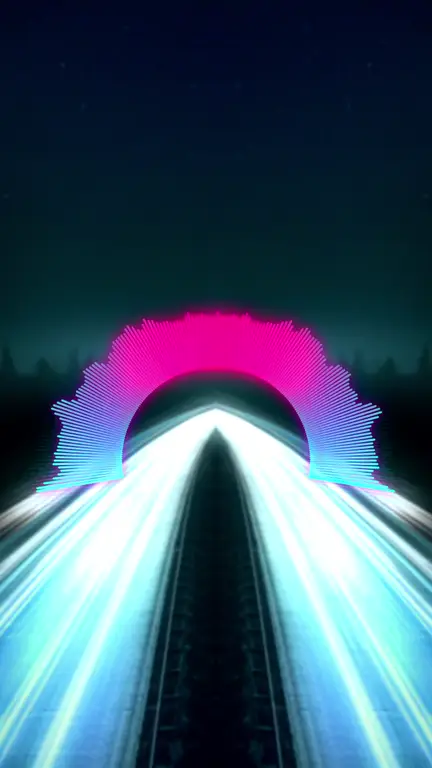
Pink-to-cyan arc spectrum with bloom and a teal-orange grade.
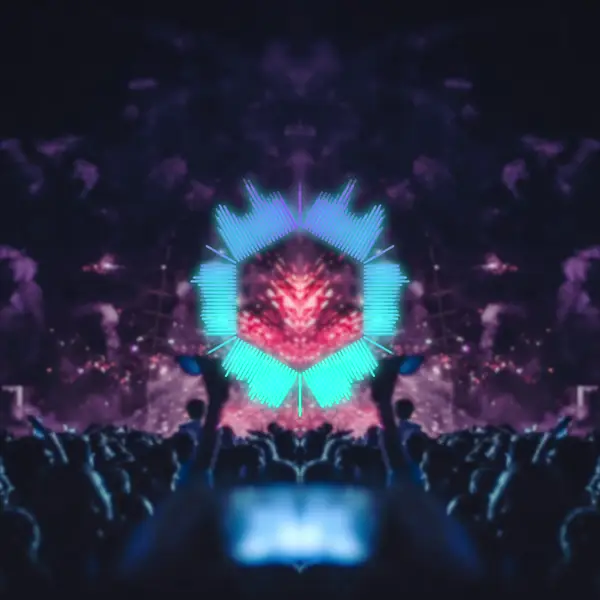
A hexagon that morphs into a circle when the drop hits.
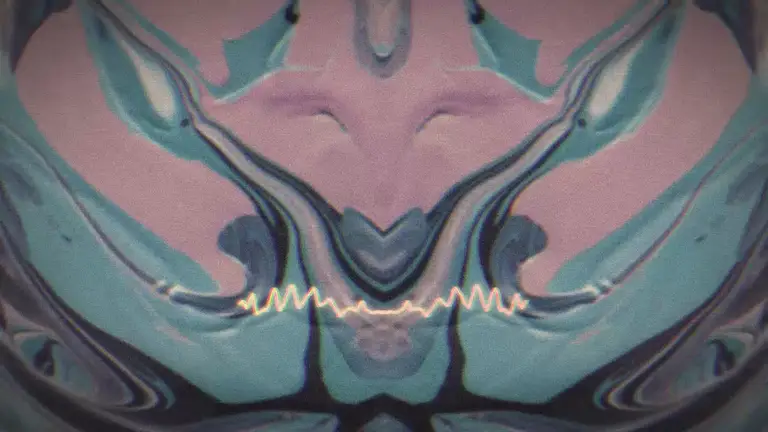
Soft warm wave, VHS grain and a vintage grade.
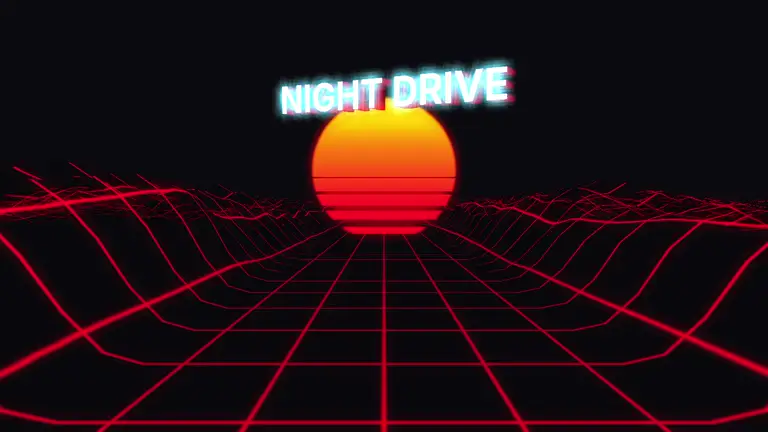
Neon terrain racing toward a striped sun.
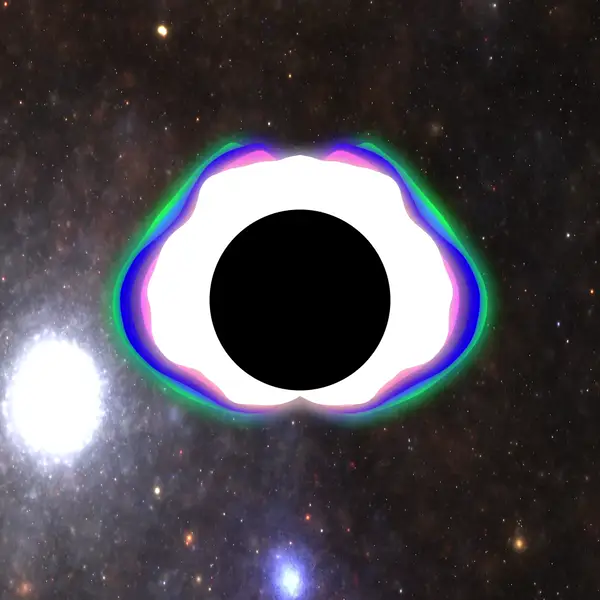
Volumetric stars behind a glowing circle spectrum.
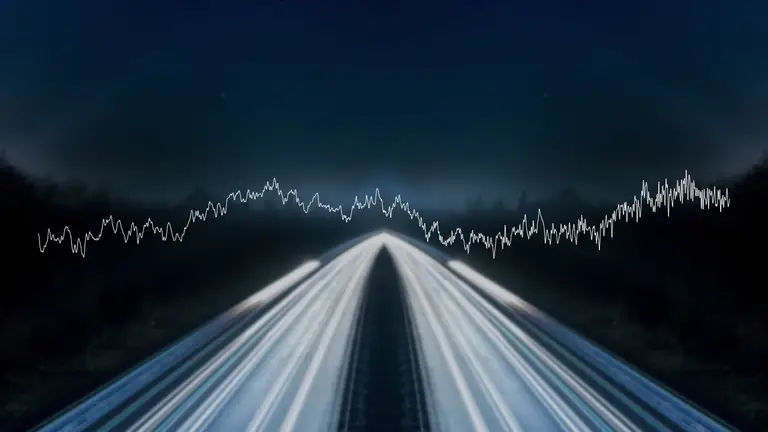
Drop in an MP3, WAV, OGG, FLAC or M4A. Shimga finds the beat, the bass and the drops for you.
Start from a preset, then tweak colours, layers, text and your logo while the preview reacts live.
Render an MP4 in 16:9, 9:16 or 1:1 for YouTube, Reels, TikTok or Spotify Canvas. No sign-up needed to export.
No account needed to export. Sign in only to save templates or buy Pro.
Circle Spectrum V3, Particles V3, a pack of hand-built templates and a Brand Kit that drops your logo, name and colours into all of them. Pro features are available to try in the studio during the beta.
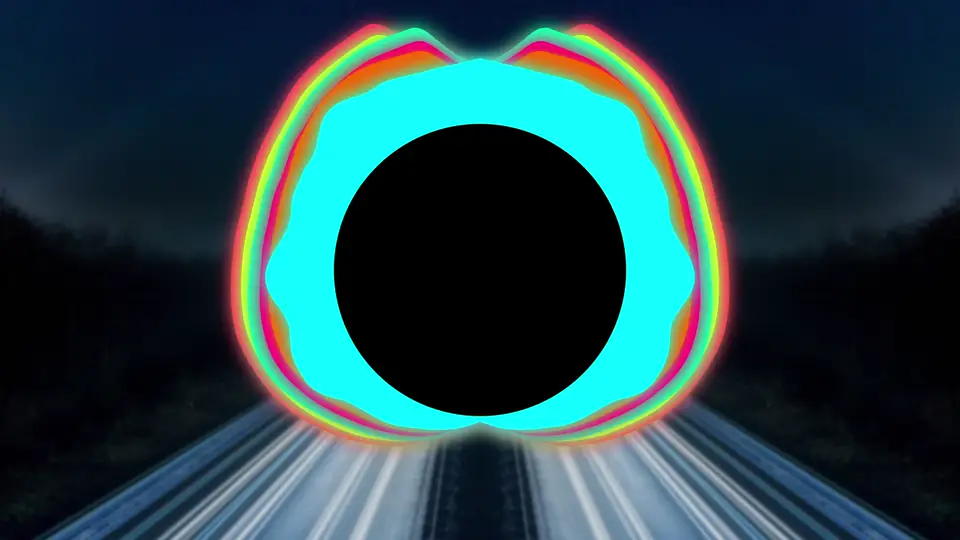
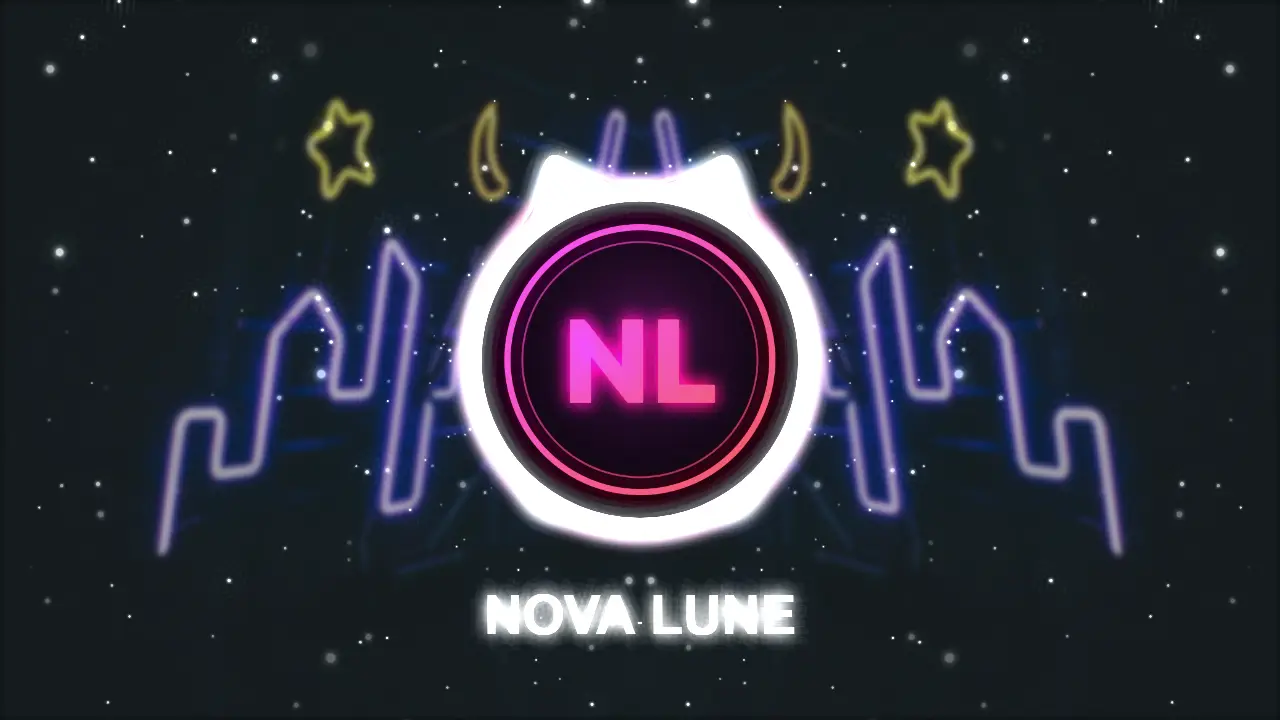
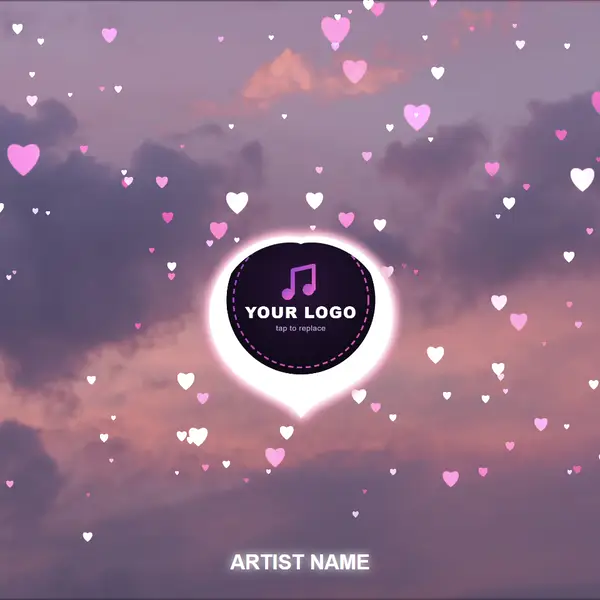
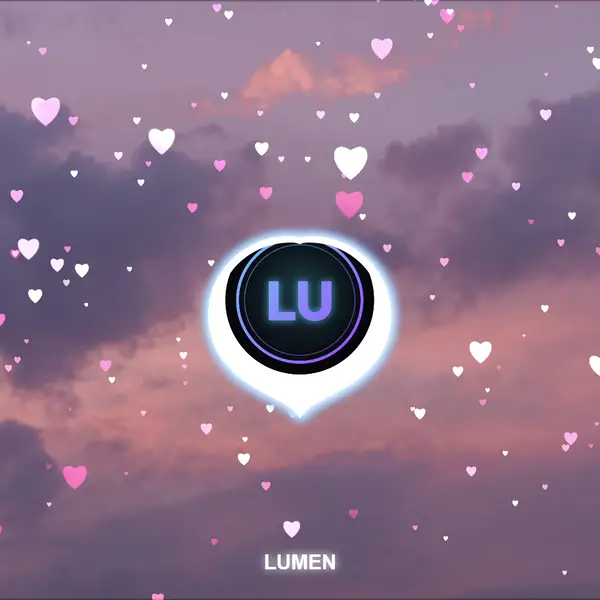
Same track, same eight seconds. Left: a free preset. Right: a Pro template.
Save your logo, artist name and brand colours in the Brand Kit and every Pro template picks them up: the logo slot, the artist text and the visualizer colours. Or just tap the logo on the canvas to swap it.
Shapes, echo layers, spirals and morphs that change on the drop.
Warp, embers, snow, galaxy and confetti, with trails and physics that hit with the bass.
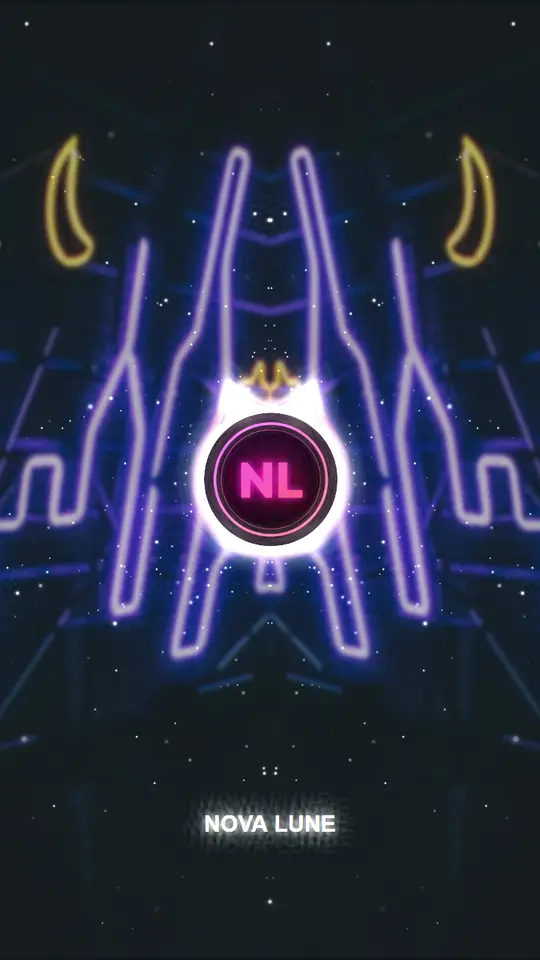
One project, exported for YouTube, Reels, TikTok, Shorts and the feed. Up to 4K and 60 fps, free.
PRONeon NationPROPrism ClubPROVortex GalaxyPROEmber BassPROAurora HaloPRORainy Night Lo-fiPROVinyl SessionsPROStereo SmokePROHeartbeatPRODrop FestivalPROOcean OscilloscopePROMilky Way LEDUse every Pro look in the editor. Try Pro free for 7 days with no card, then pick what suits you:
We are working on premium AI video generation models for music videos. Join the waitlist to hear first.
Turn a recording into a print for the wall. Wedding songs, baby heartbeats, voice messages and more.
No plugins, no installs, no learning curve.
Every layer locks to kicks, bass and drops. No keyframing, no timeline fiddling.
Genre presets for trap, lo-fi, EDM, synthwave and podcasts — one click to start.

Colours, sizes, blend modes, text, your logo and cover art. The preview updates live.
16:9, 9:16 and 1:1 from the same project — YouTube, Reels, TikTok and Canvas.
MP3, WAV, OGG, FLAC and M4A. Songs, beats, podcasts and voice notes all work.
Neon terrain, tunnels, reactive orbs and vinyl, plus bloom, glitch and VHS.
A beat-synced video for any song.
Full-length videos in 16:9.
A short vertical loop for your tracks.
Turn an episode into a shareable video.
Classic frequency bars.
Animated waveforms and audiograms.
A print-ready poster of your song's waveform.
Browse every preset and community template.
“I love this! :)”
“Actually good visualizers.”
“Lovely, this is so great!”
“Thanks so much, it's such a good app for my edits.”
“Such an amazing experience.”
“Love this thing.”
Shimga is free to start: open the studio, add a track and build your video without paying, and export it free (up to 4K at 60 fps, no watermark) without signing up. Every Pro element, template and setting can be used in the editor; exporting a video that uses them needs Shimga Pro: a free 7-day trial with no card, then $5/month or $48/year, $250 lifetime, or $3 for 6 Pro exports.
No. Open the studio, create and export standard videos without an account. Sign in only to save templates to the cloud, sync projects across devices, publish to the community gallery or buy Pro.
MP3, WAV, OGG, FLAC, and M4A. Drop in any song, podcast episode, voice memo, or beat — anything your browser can decode.
An MP4 video file you can drop straight into YouTube, Reels, TikTok, Spotify Canvas or any social platform, in 16:9, 9:16 or 1:1, at up to 4K and 60 fps.
No. The audio is analysed entirely in your browser via a modern audio engine. It only ever uploads if you choose to save a public template that includes the audio file. Private use is fully local.
Private templates are visible only to you across your signed-in devices. Public templates appear in the community gallery once approved — anyone can remix them. You decide which when you save.
No. Exports don't carry a Shimga watermark — you own everything you make. Export at the resolution you pick, up to 4K at 60 fps, with no sign-up needed. A video that uses Pro elements needs Shimga Pro or credits to export; or remove the Pro elements and export it as a standard video.
Yes — the studio has a touch-first mobile interface. You can sketch a scene on your phone, refine it on a laptop, and export from either.
Yes. You own everything you create. See the Terms for the formal version.
It's a focused tool for music visualizers. You don't need a desktop install, plugins or a powerful editing rig. Open a tab, drop your audio, hit export.
Longer videos, Circle Spectrum V3, Particles V3, the Pro template pack, Brand Kit and new preset packs as they ship. Try any of it in the editor; exporting a video that uses Pro needs one of: Pro Monthly at $5/month or Pro Yearly at $48/year (cancel any time; try Pro free for 7 days first, no card needed), credits at $3 for 6 Pro exports (valid a year), or Lifetime at $250, paid once.
Email hello@shimga.app, use the contact form, or post in r/shimga.
Open the studio, drop in your song and pick a look.
Start creating